

Troubleshooting
How do I send GymLogic a useful bug report?
Write a short description in the Contact Us form that is sufficient to reproduce the problem.
Open the form
- Go to Settings → Contact Us.
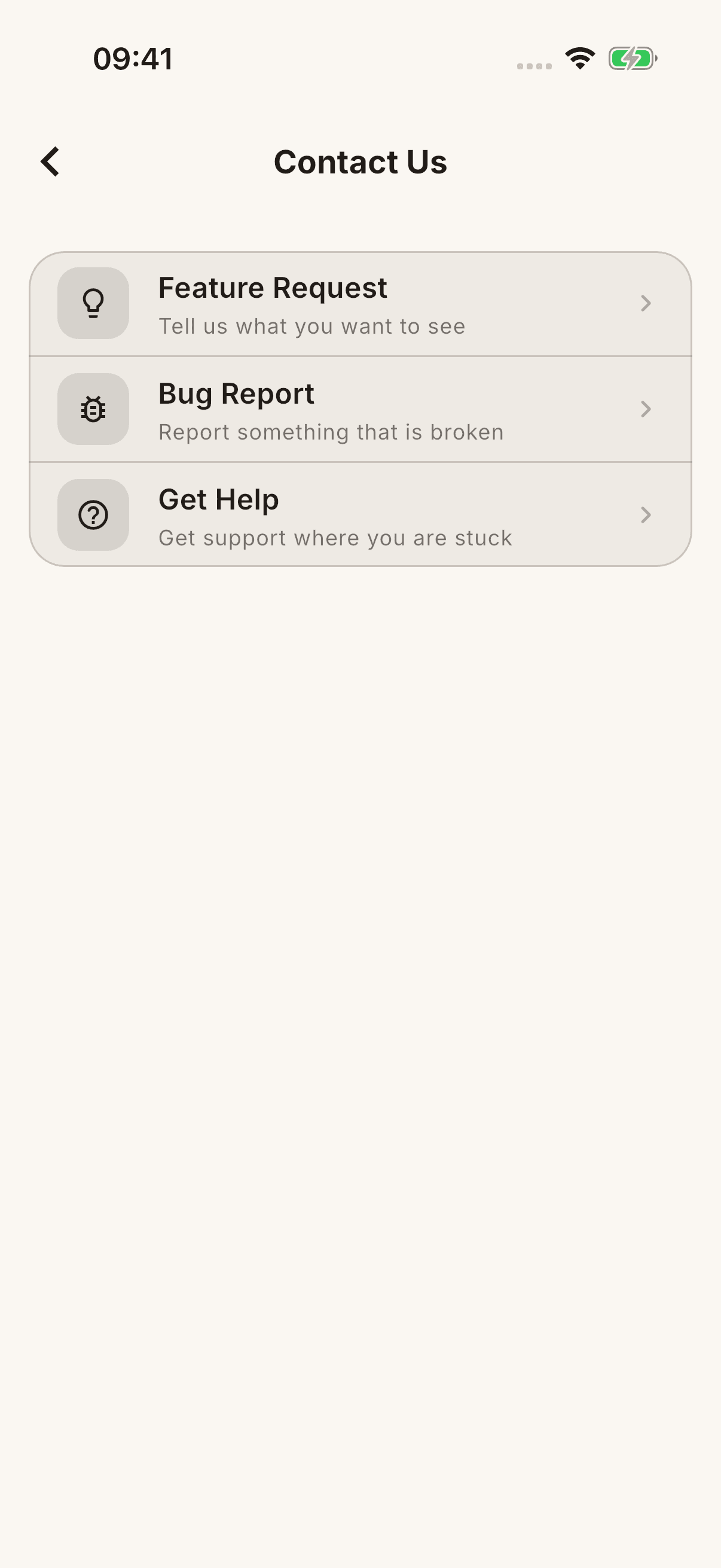
- Choose Report a Bug for a problem, Get Help for usage support, or Feature Request for a suggestion.
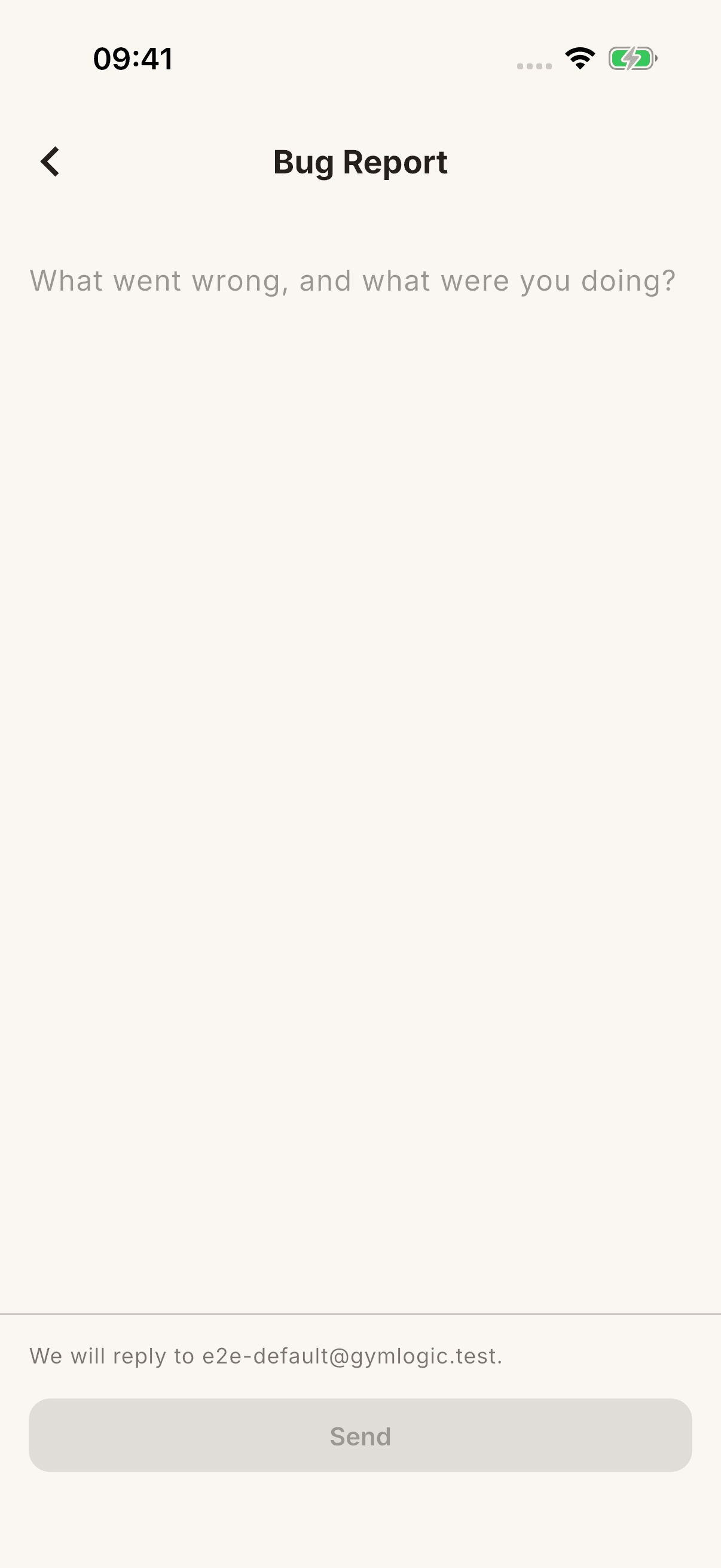
- Write your message and tap Send.
The form sends the message from inside the app; the default email app is not expected to open. The current form does not have a separate subject field or an option to attach a 5 MB screenshot.
What should the message include?
- Which screen you were on and the steps you took.
- What you expected and what actually happened.
- The error text and approximately when it occurred.
- Whether the issue is constant or tied to a particular record or connection.
Example: “I open a workout in History and choose Edit Workout. When I change the repetition count and press Save, this error appears: …”
Check the device/app diagnostics and reply-address information shown by the form. After a successful submission, Thanks, we received your message. appears. When offline or after an error, your text remains in the form; you may need to send it again once connected.
Do not include a password, verification code, reset link, or your entire personal-data archive in the message.