

Troubleshooting
How do I troubleshoot sync problems?
Protect pending data on the device while checking the connection and account.
Symptom
A workout on one device does not appear on another, or the app shows a sync/connection warning.
Safe order of checks
- Check the internet connection; if possible, compare it with another available Wi-Fi or cellular connection.
- Check that you are signed in to the account where you expect the data. Do not confuse Apple's private email address with a different account.
- Keep the app open while connected and read any sync status or error message.
- Compare a sample record on the old and new devices. An empty new device is not proof that the old record has been deleted.
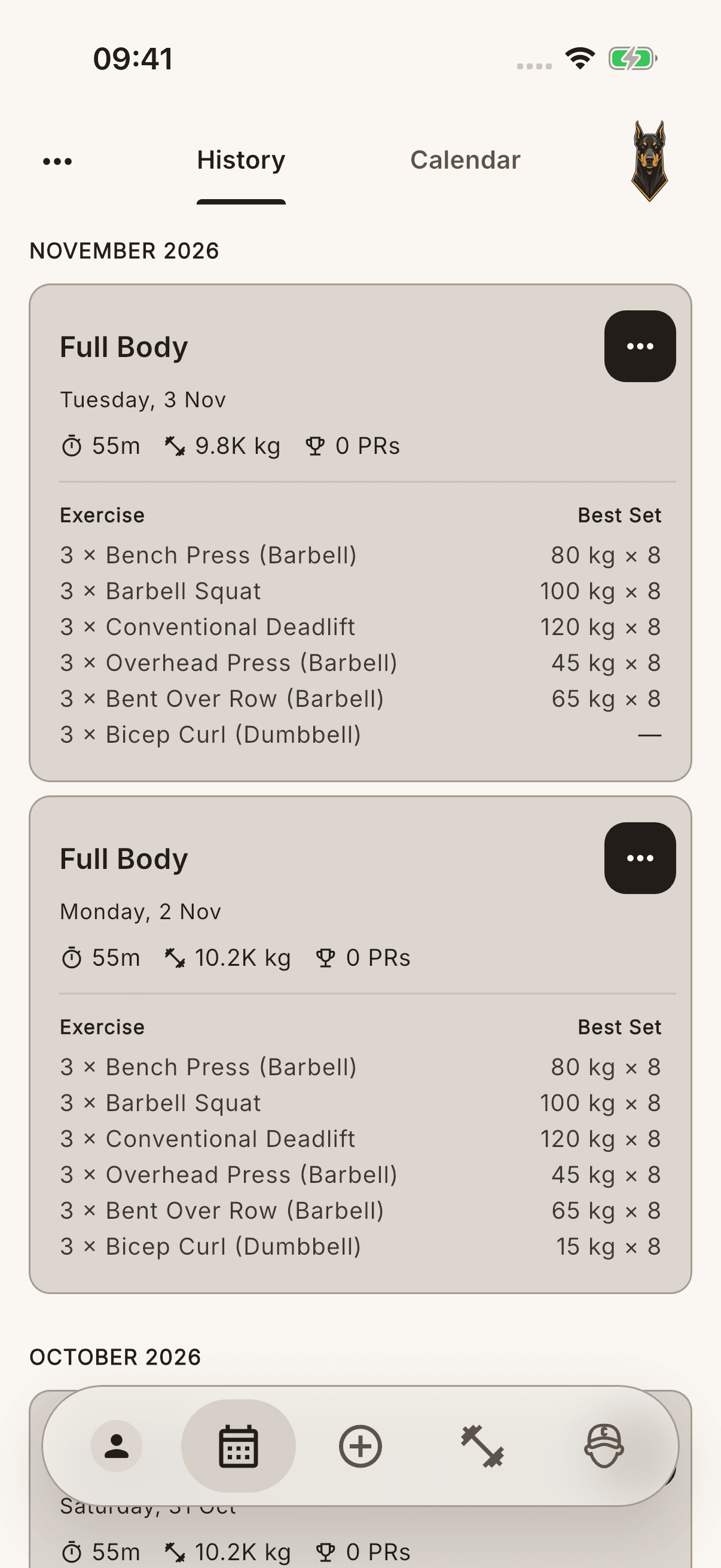
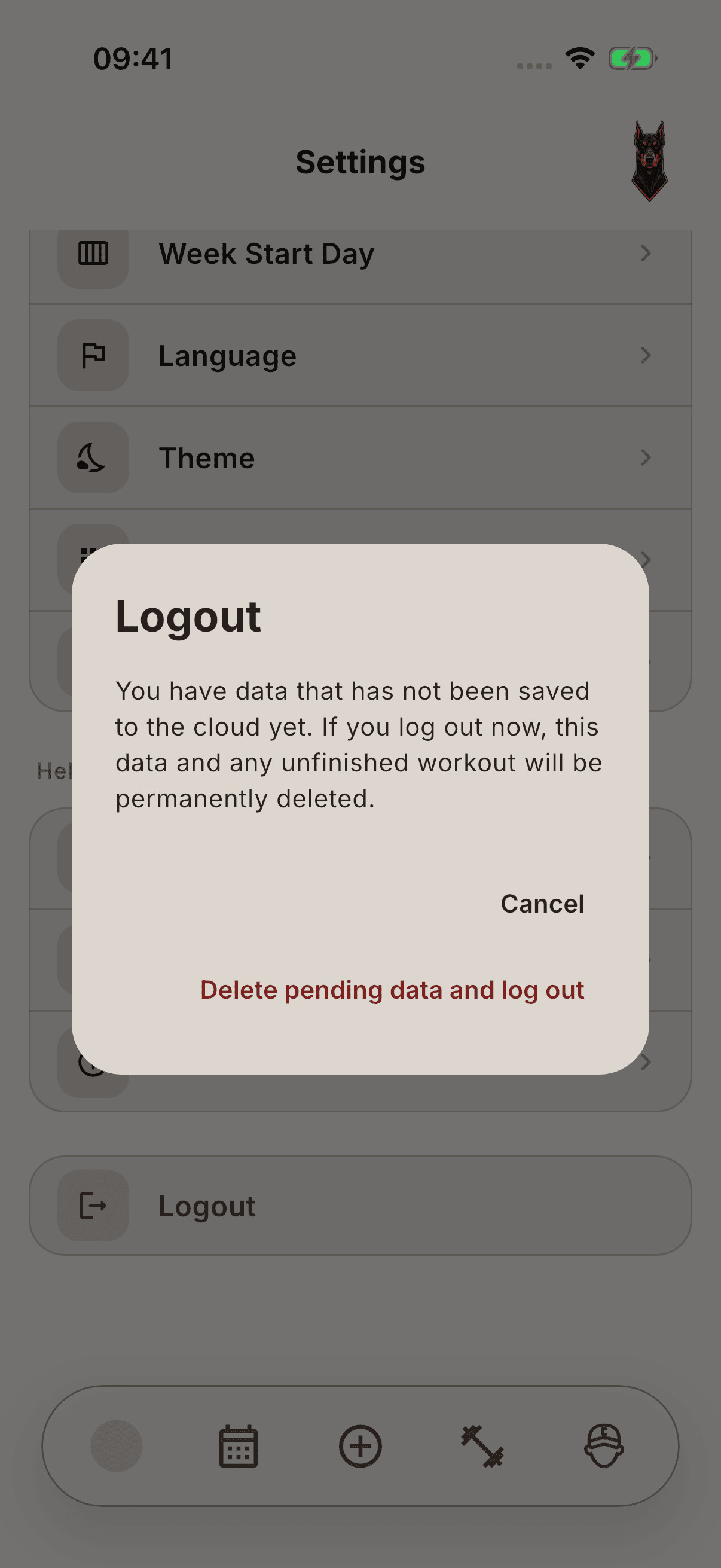
Warning Signing out, uninstalling the app, or resetting data is not the first solution. Confirming Delete pending data and sign out may permanently lose data that has not reached the cloud. A CSV file does not guarantee a restore of the whole account.
If the issue continues
Keep existing data intact and report the error, time, and device/version information through Settings → Contact Us → Report a Bug. Do not share a password or verification code.