

Account and data
What happens to workouts logged offline?
Distinguish records on your device from records synced to the cloud, and protect pending data.
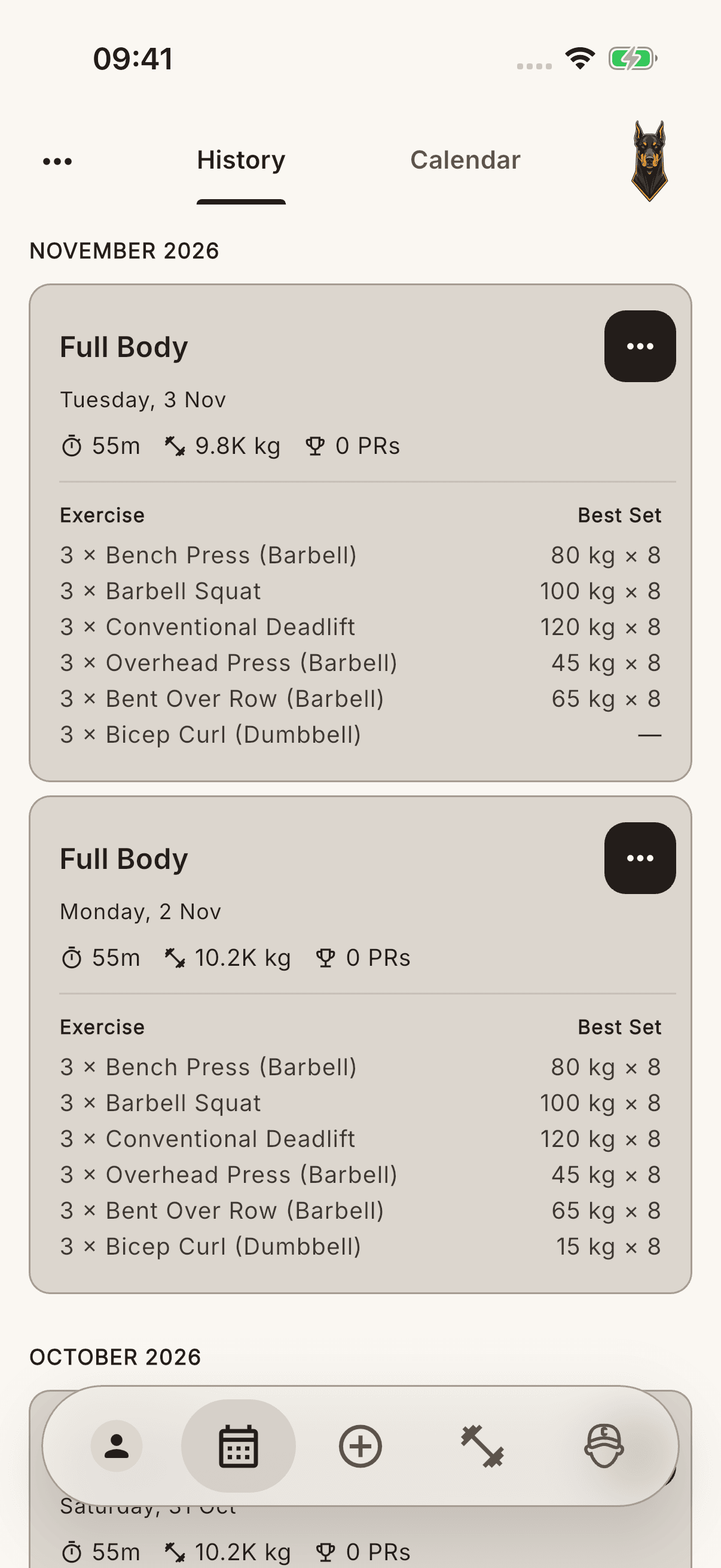
You can log workouts on the device in your existing session. Creating a local record does not mean it has reached the cloud or is ready on another phone. Check your internet connection and sync status separately.
When the connection returns
Open the app while connected and check the status of any sync warnings. Review the record in history, but do not treat its presence in the list or pulling down the screen as proof that cloud upload has completed.
Read the sign-out warning
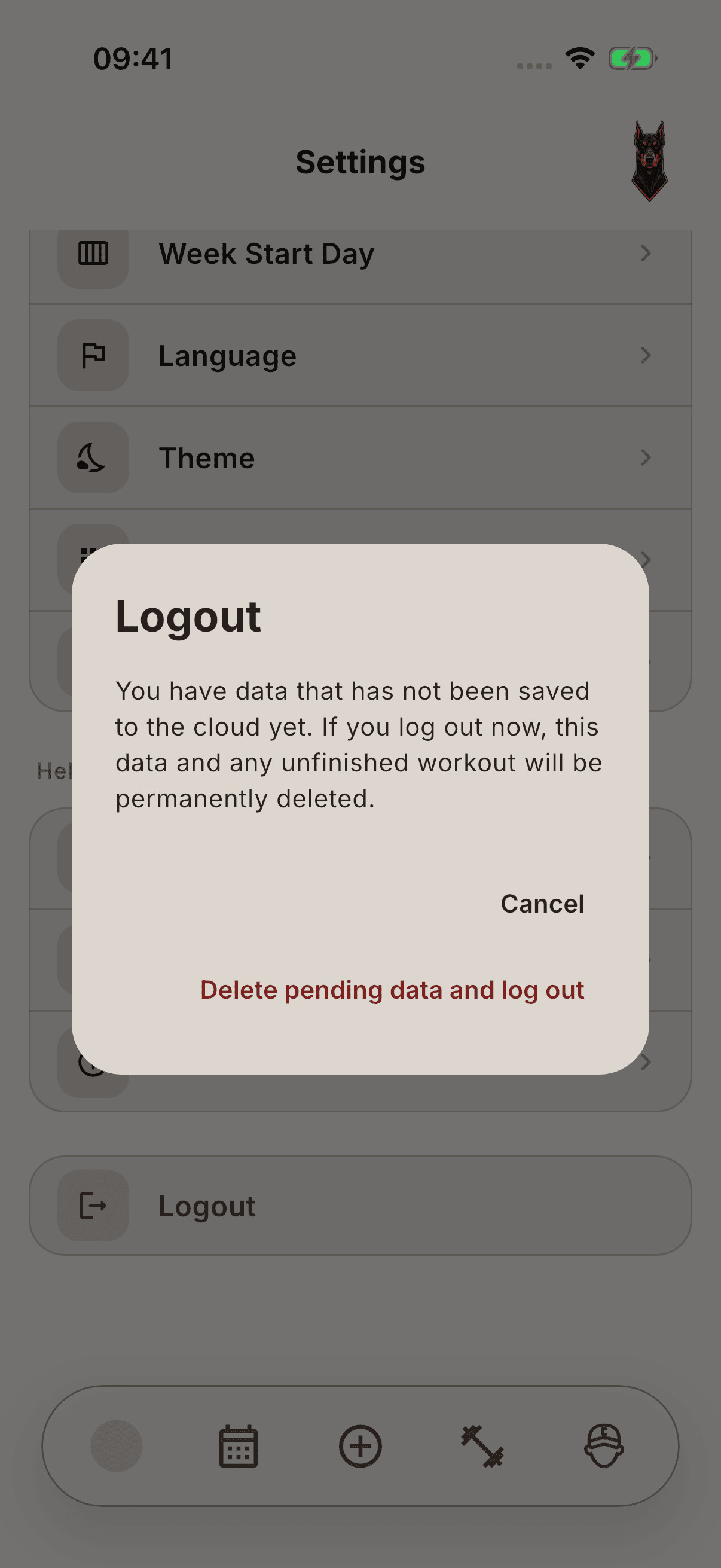
A warning about pending data may appear when signing out. Cancel lets you stay in the current session. Delete pending data and sign out is a separate action that explicitly confirms data loss. Signing out may be blocked in some sync states.
Warning To protect data that has not reached the cloud, do not use the deletion option when signing out, uninstall the app, or reset the device. These actions do not repair sync. A CSV export also does not guarantee a complete restore of the whole account.
If the sync warning continues, keep your current account and device data intact and ask for support.