

Account and data
How do I delete my account?
Review account deletion and reauthentication steps, including the subscription warning.
Warning Account deletion is permanent. Do not choose this path for troubleshooting or for a temporary break from the app. An export archive does not guarantee that the account can be completely restored.
Deletion flow
- Open Settings → Account.
- Tap Delete Account under Danger zone.
- Read the explanations about your account and subscription. Choose Cancel to stop.
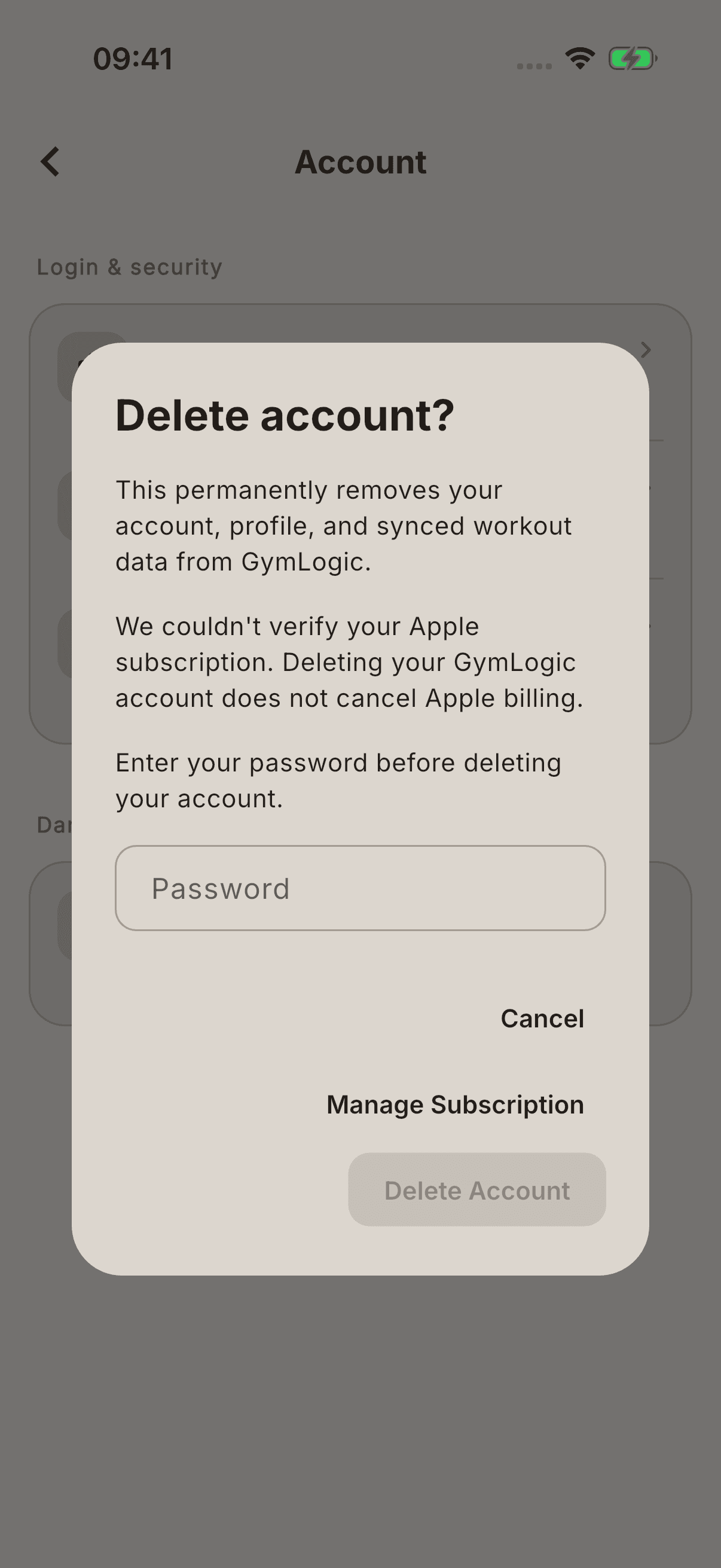
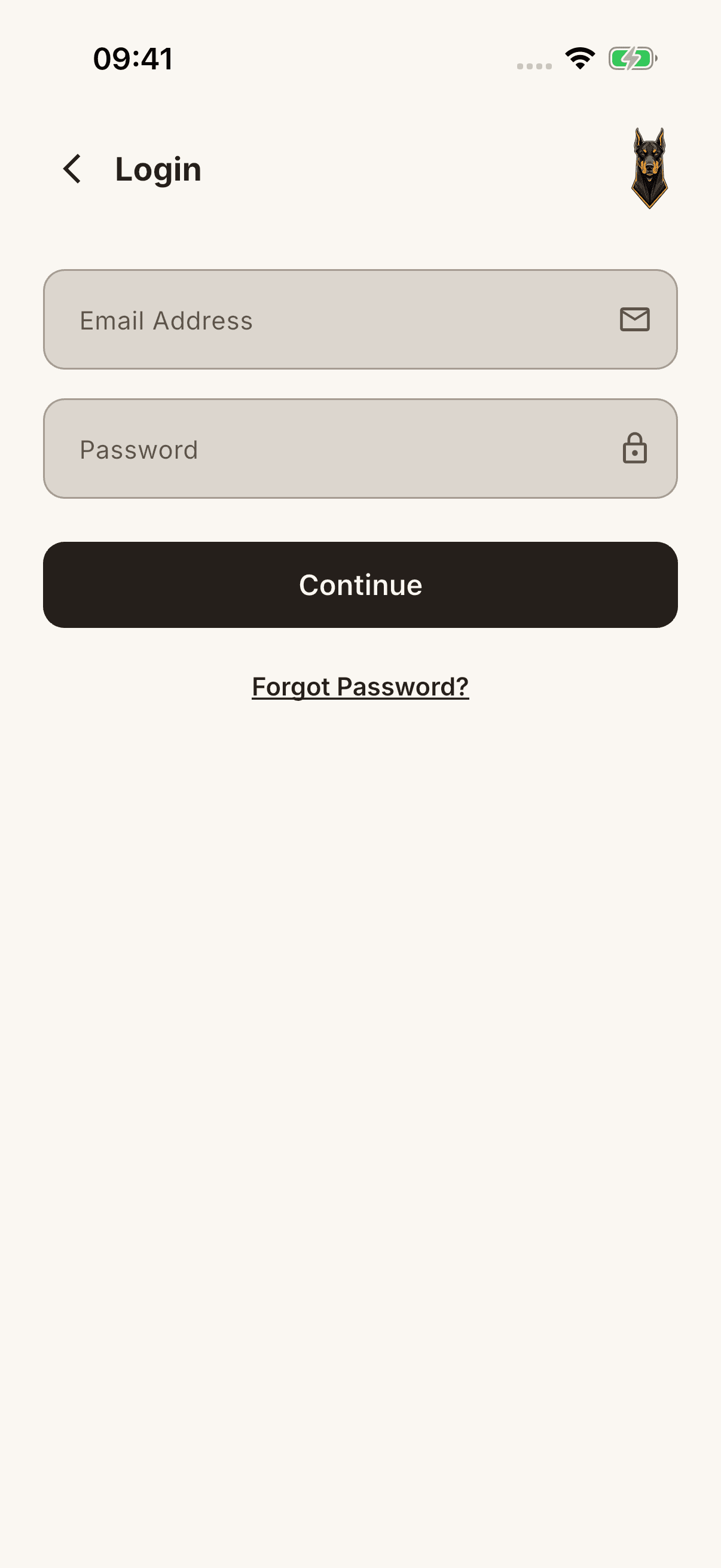
- If you want to continue, complete the requested reauthentication with your linked sign-in method. This step may use your current password and a security check, or your linked Apple/Google provider.
- Follow the app's next state. If an error or pending-operation screen appears, do not assume the process has completed successfully.
Tapping “Delete” does not establish that data is immediately removed from every system. Read the privacy text in the app for the current deletion scope and retention explanations.
Apple subscription
Deleting your account does not cancel Apple billing. If shown, use Manage Subscription to manage your subscription separately. The app may also show a warning when subscription status cannot be verified.