

Account and data
How do I reset my password?
Request a reset link by email and complete the new-password step in the app.
Request a reset link
- Open Forgot Password? on the email sign-in screen.
- Enter the email address linked to your account.
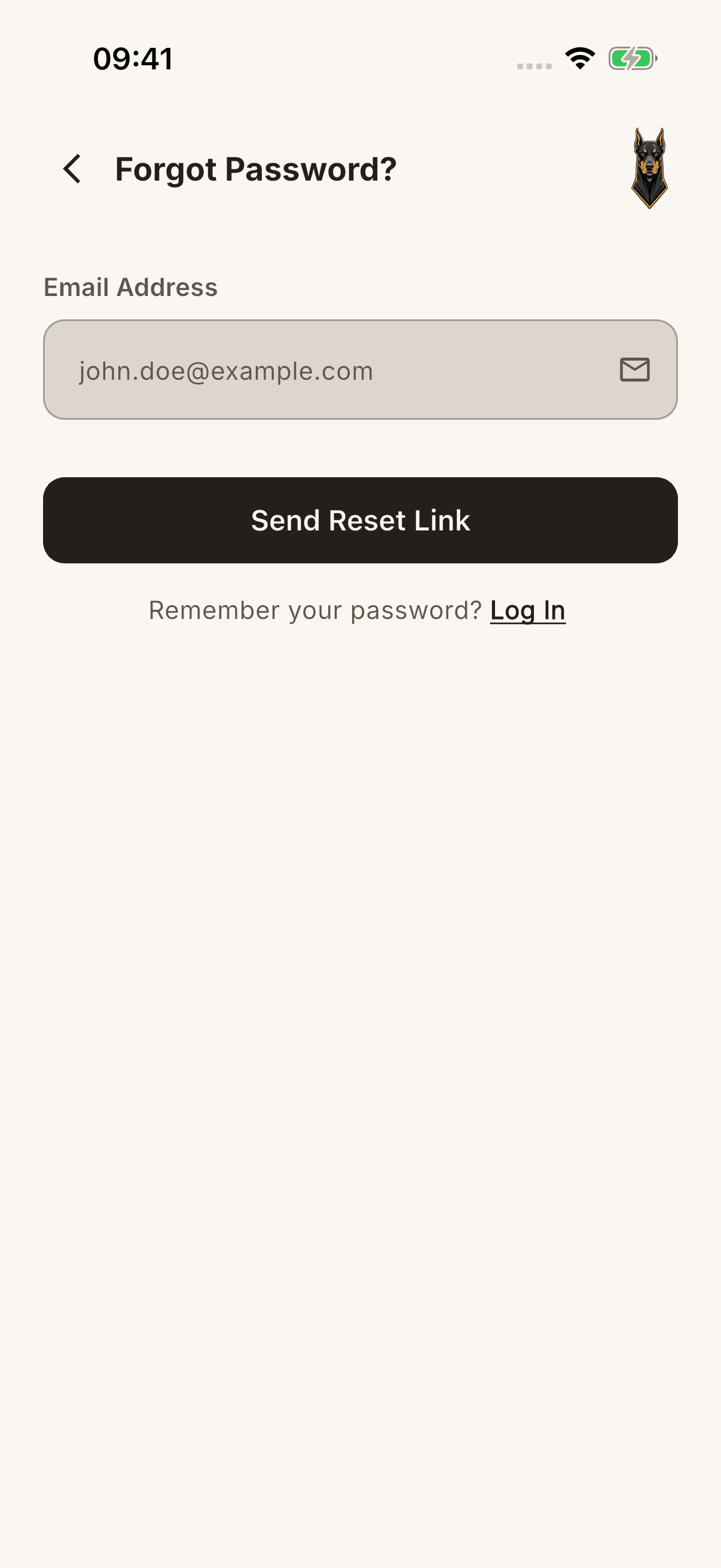
- Tap Send Reset Link and complete any requested security check.
- Check your inbox and spam folder.
- Follow the link in the email to open the new-password screen.
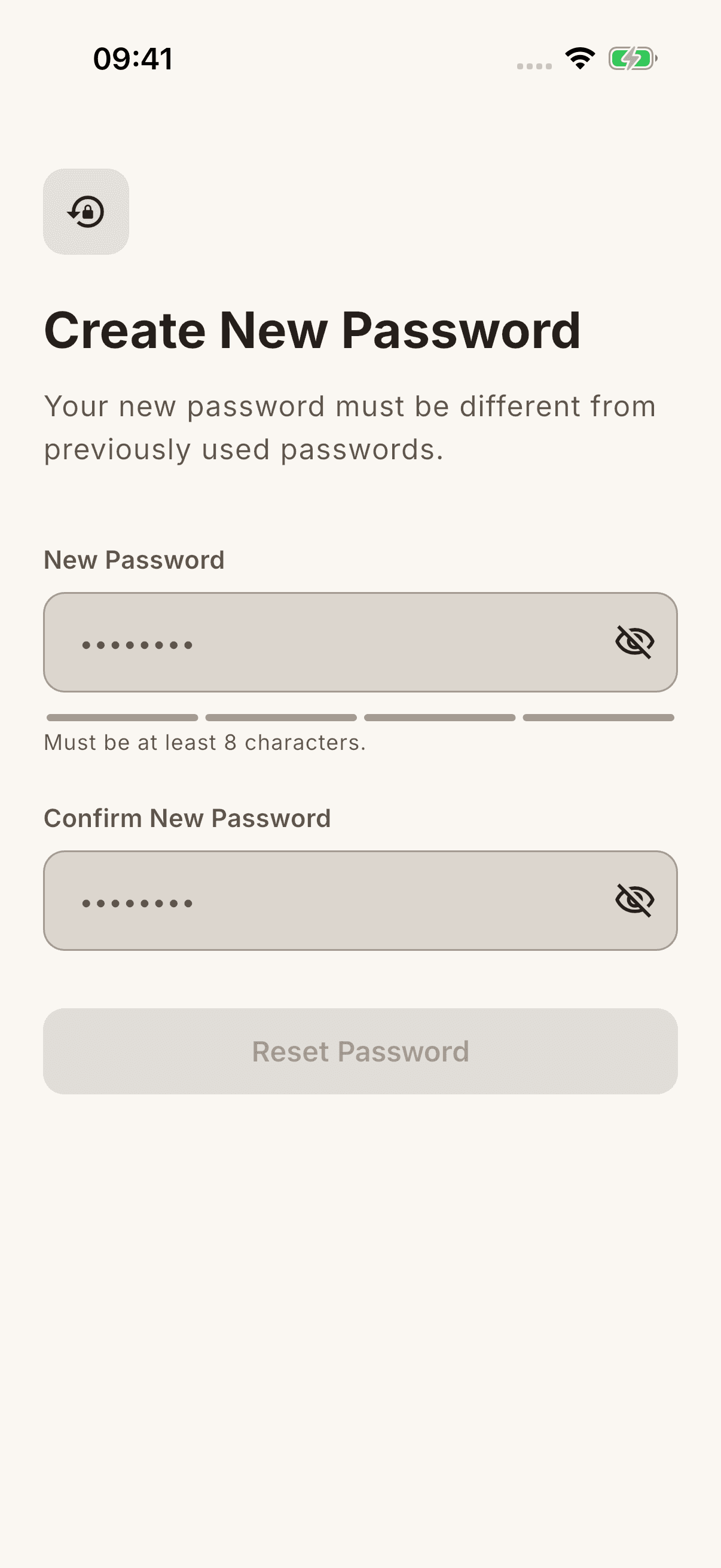
- Enter the same password of at least 8 characters in both fields and complete the action on screen.
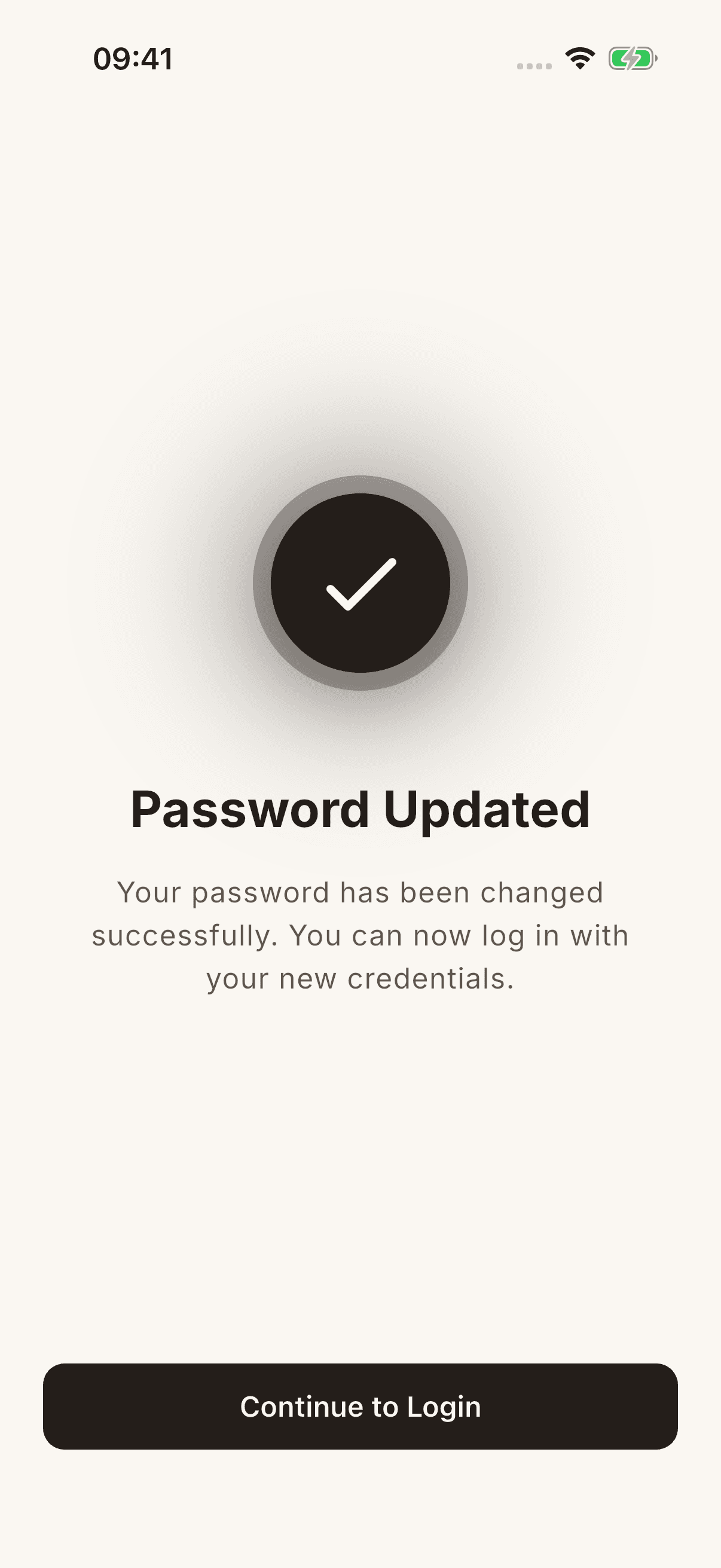
Proceeding through the request screen does not guarantee delivery of the email or confirm that the account exists. This process does not change your Apple/Google account password.
If the link does not work
Check that the address is correct. Request another link if the previous one is expired or invalid; follow the error message on the app screen opened by the email redirect. Respect any waiting period shown instead of sending repeated requests in a short time.
Do not include your password, reset link, or verification code in a support message.