

Workouts
How do I create and reuse my own workout?
Save your exercises once and start them again in later workouts.
The workouts you reuse are in the Workouts list. They are separate from the History records of sessions you have performed.
Create a workout
- Use + in the bottom bar to go to Workout.
- On the Workouts tab, tap New Workout.
- Enter a name, such as “Push Day A”.
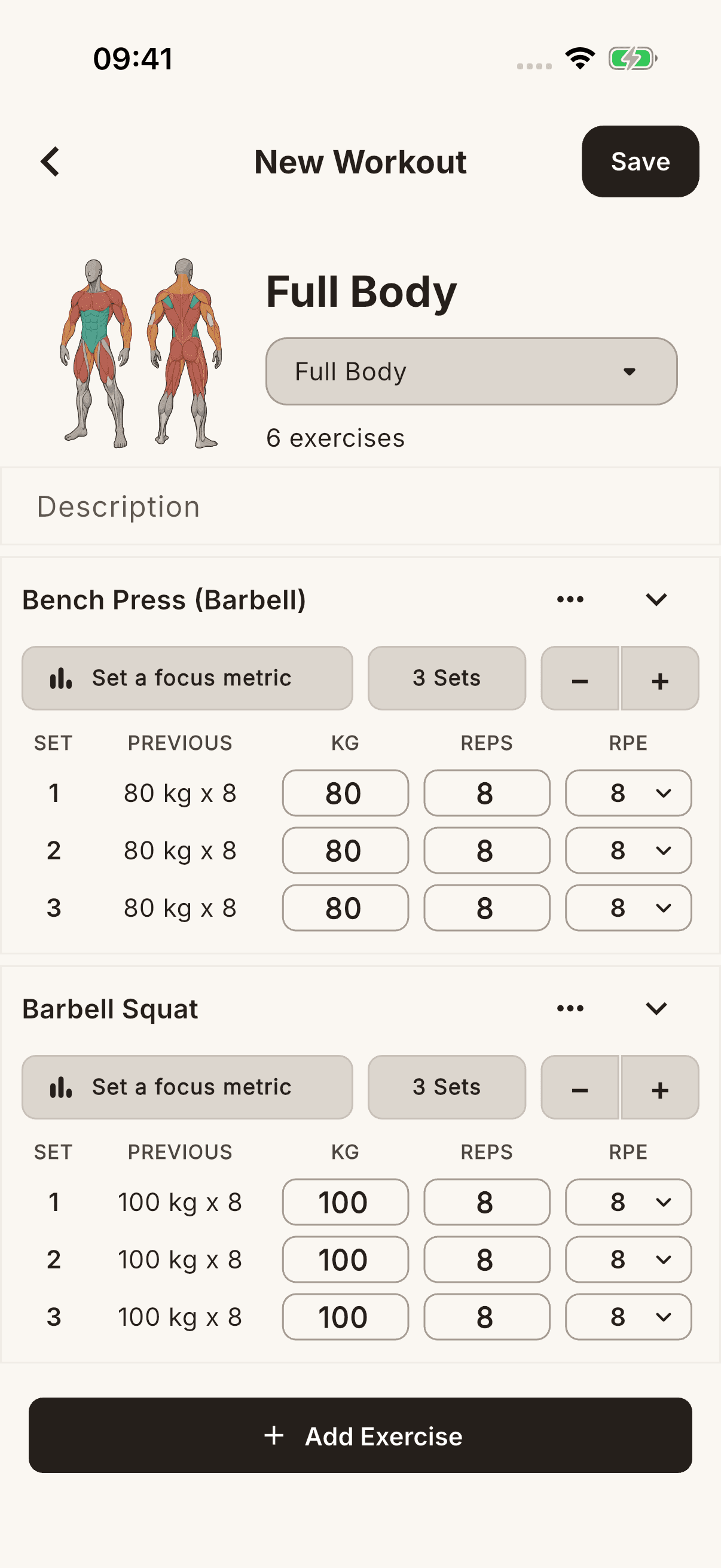
- Choose a plan in Select program. If you do not have one, use New Plan, enter a name, and tap Create. A workout cannot be saved without selecting a program.
- Use Add Exercise to select exercises and prepare your sets.
- Tap Save in the top right.
Reuse it
- Expand the plan in the Workouts list and tap the saved workout.
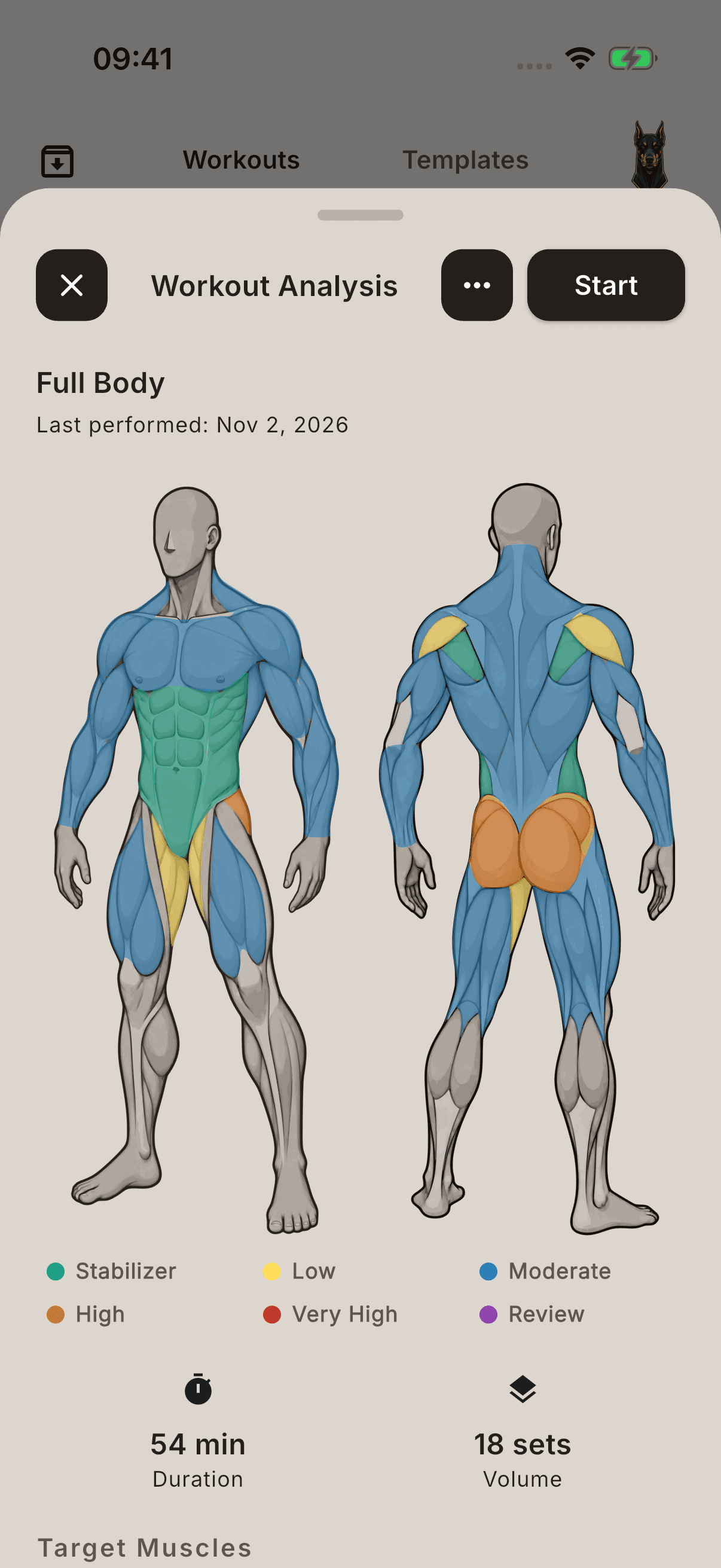
- Open the session with Start in the preview window.
- During the session, log the sets you actually perform and finish the workout.
Edit in the preview's three-dot menu changes the saved workout. Use New Plan to group workouts, and Move to Program to move a workout to another plan. A workout moved into a plan appears under that plan.
Preparing a saved workout is different from completing a session and saving it to history.