

Account and data
What happens to my data when I change devices?
Use the same account on the new device and protect pending records on the old device.
Protect the old device
Before moving, check the internet connection and any sync warnings on the old device. Being able to see local workout history does not mean all data has reached the server. While records are pending, do not reset the old device, uninstall the app, or sign out by deleting data.
On the new device
- Open GymLogic and sign in to the same account you used on the old device, with your usual sign-in method.
- Wait for data to load while connected to the internet.
- Compare workout history, saved workouts, and measurements with the old device.
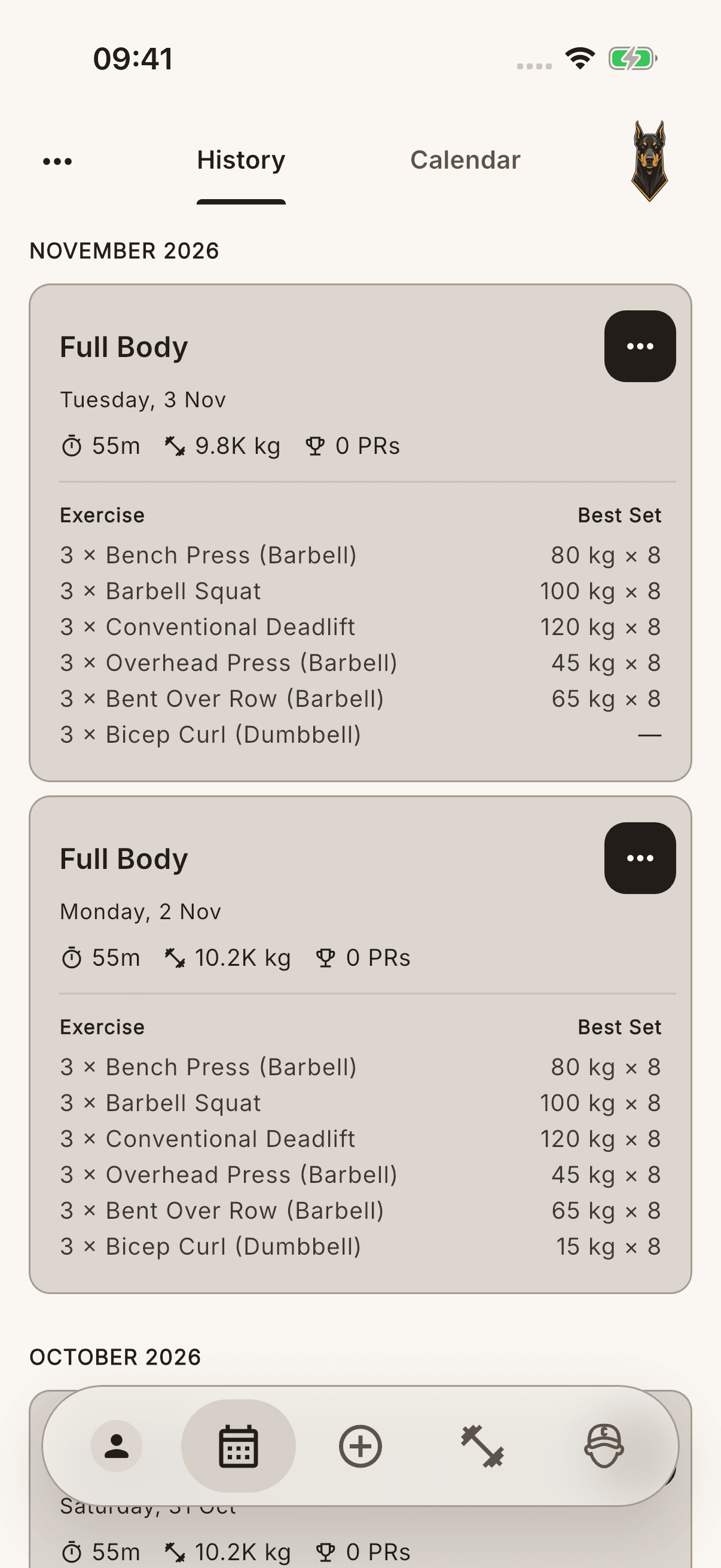
Only data synced to the cloud is available on the new device; there is no guarantee that the whole account will download within a particular number of seconds. Do not confuse an account created with Apple's private email address with a different email account.
If data is missing
Protect the data on the old device. Instead of repeatedly importing the same CSV into a new account that appears empty, check the account and sync status first. The account ZIP file is an export archive; the app does not present it as a one-step restore of the whole account.