

Troubleshooting
What should I do if data is missing after signing in?
Check account differences, local records, and loading errors without deleting data.
An empty history alone proves neither that your data was deleted nor that it is safe. Identify the situation first.
Check the account
In Settings → Account, compare the account information you can access with the account on the old device. Remember the sign-in method you used before; Apple's private email may look different. Do not immediately sign out of the current account: this device may have data that has not synced yet.
Check the connection and loading
Keep the app open while connected. If the screen shows a loading error and Try Again, use it. Do not assume every empty screen has the same cause or that pulling down will fetch all data from the server again.
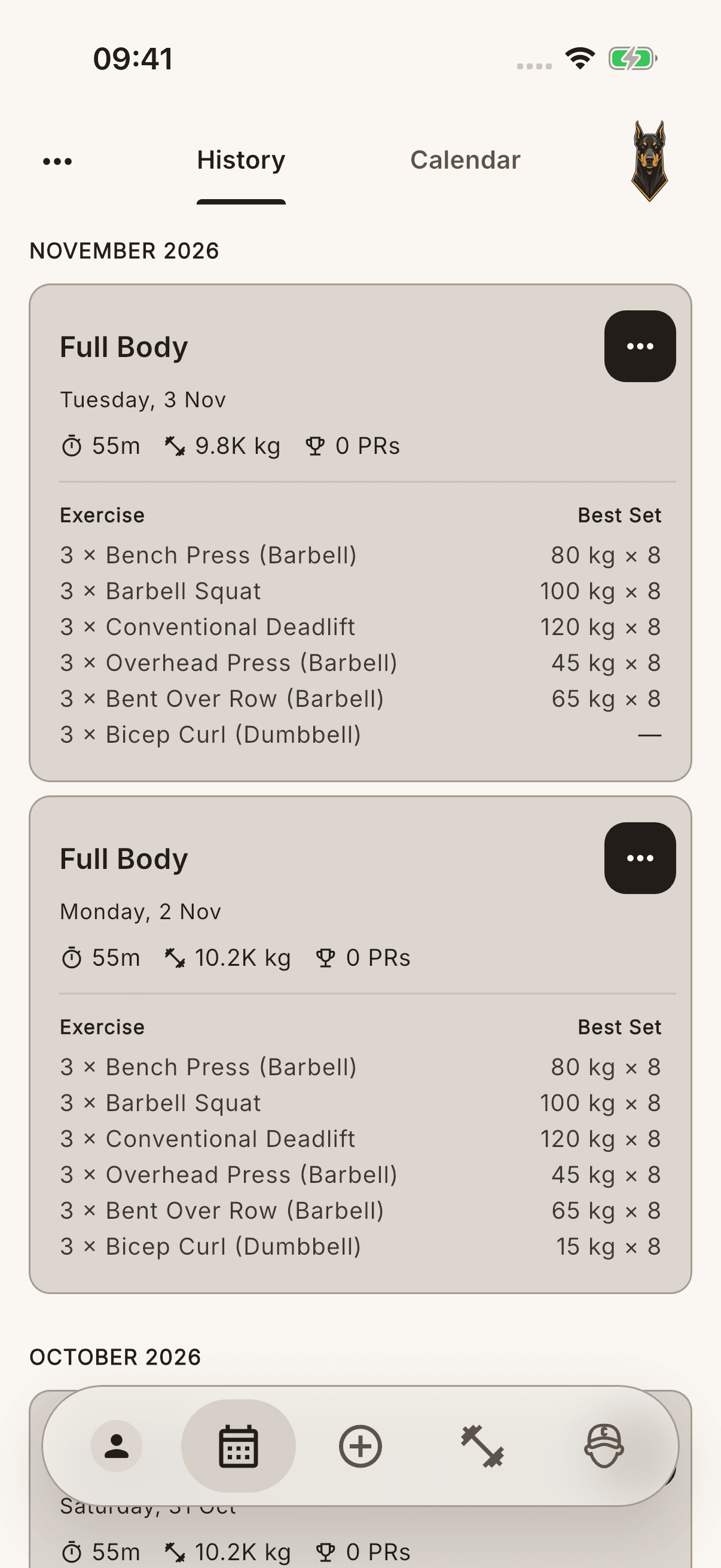
Protect the old device
Records visible on the old phone but never synced may not have reached the new device. Do not reset the old device, delete the app, or confirm the option to delete pending data when signing out.
If the issue continues, use Contact Us → Get Help or Report a Bug to describe the sign-in method, approximate date of the missing record, and any error shown. Clarify the account identity before creating a new account or importing the same history again.