

Progress and metrics
What is RPE, and how do I enter it in GymLogic?
Distinguish set difficulty, your RIR preference, and session RPE requested at the end of a workout.
Set RPE and RIR
Set RPE expresses how difficult you perceived a completed set to be; RIR expresses how many more repetitions you think you could have performed in that set. Choose the scale for set-difficulty inputs in Settings → Difficulty Input (RIR / RPE).
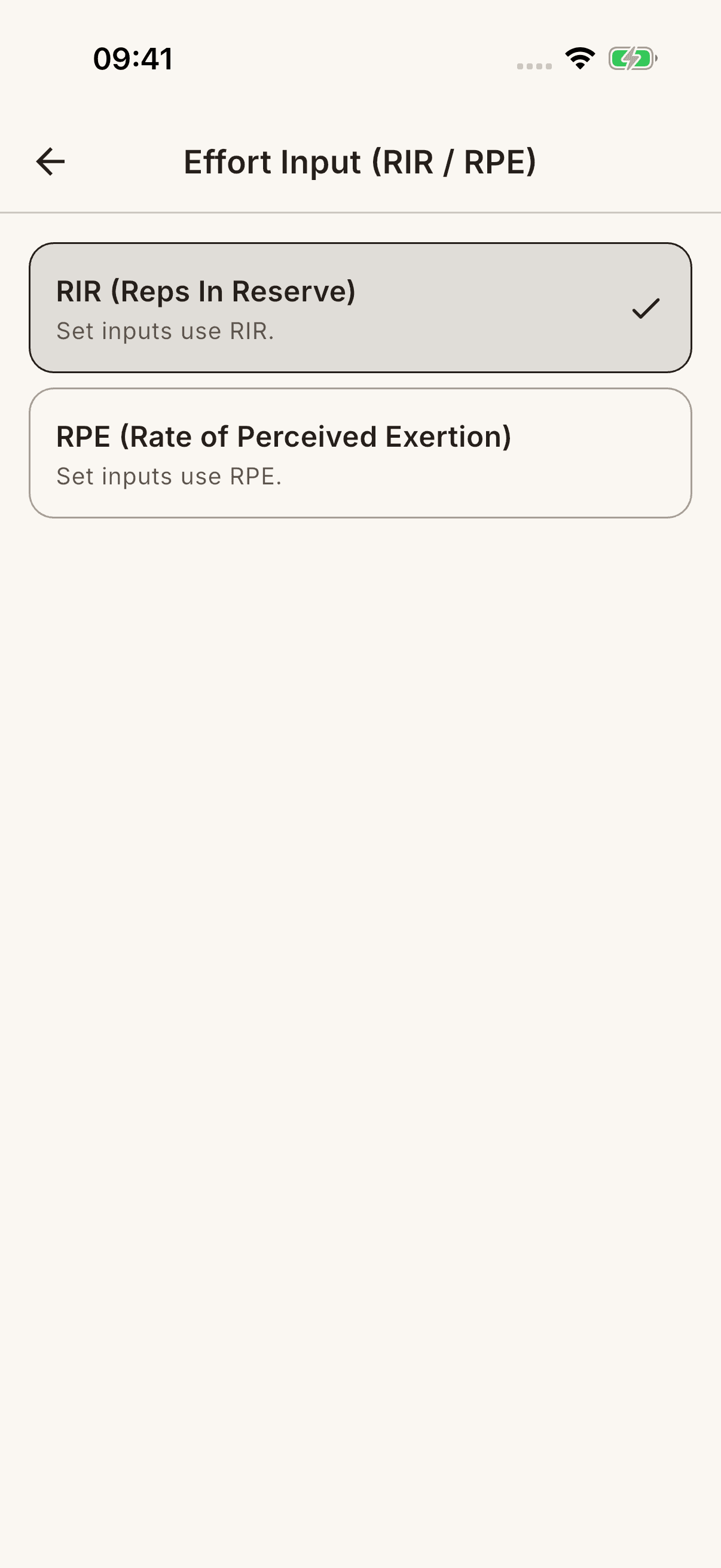
In an active workout, open the set's difficulty field and enter a value using the selected scale. Do not enter an RPE number in a field set to RIR. Leaving a value blank does not mean you reached failure.
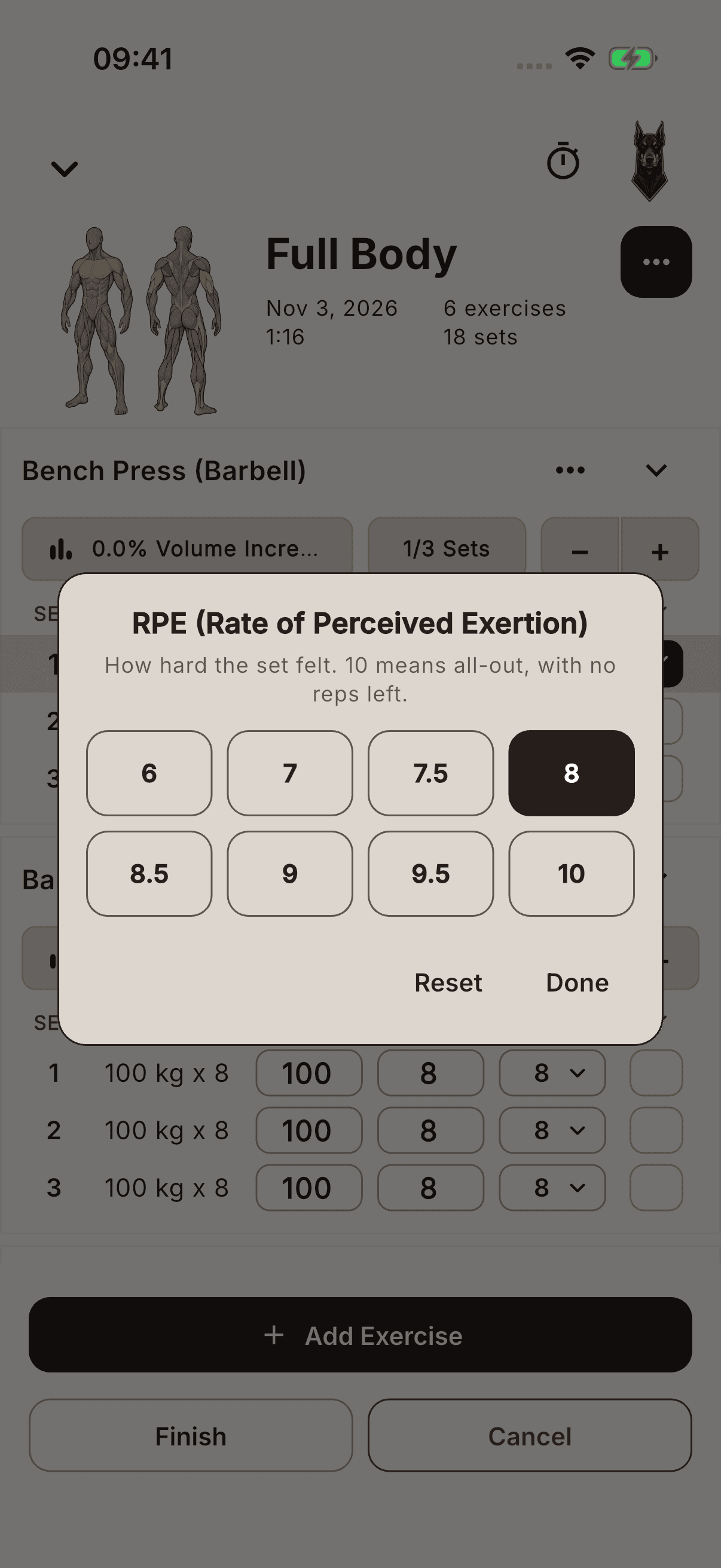
RPE at the end of a workout is different
The RPE window that opens after Finish asks about the whole workout, not a single set. Select a value from 1–10 and tap Done, or tap SKIP to continue without a value.
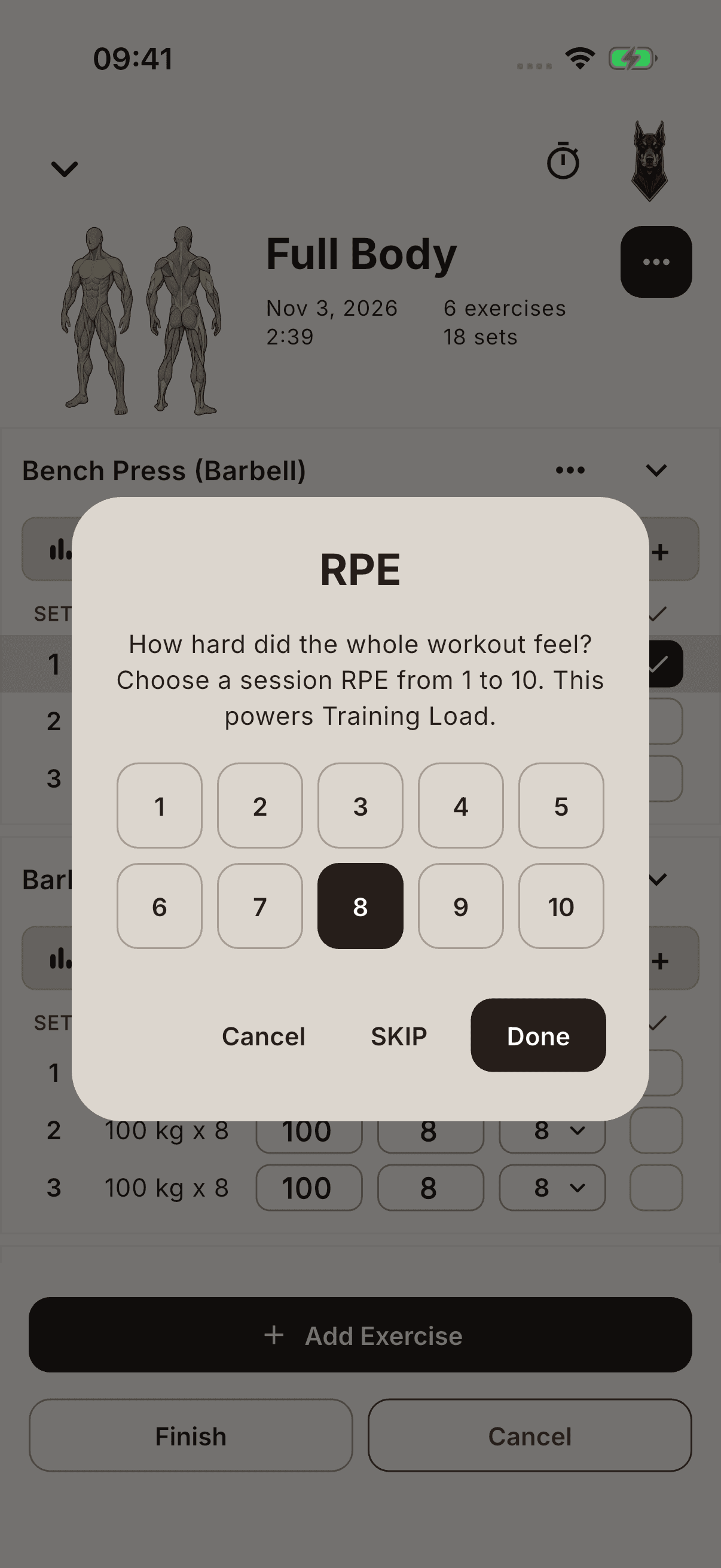
This window opens even if you chose RIR for sets. Cancel or closing the window does not save the workout; you return to the active session.
Session RPE is used to calculate Training Load. Set difficulty and session RPE are not interchangeable. Entering RPE is not a direct measure of muscle growth, movement technique, or health; do not assume every color in Body Graph is calculated only from RPE.