

Troubleshooting
What should I do if a Strong import fails?
Narrow down the issue using the file, units, and import result.
If the file cannot be read
Make sure you selected the original Strong CSV and that it is accessible on the phone. Resaving the file in a spreadsheet app may change columns, delimiters, or date formats. Try an unchanged copy. A file larger than 25 MiB exceeds the app's reading limit.
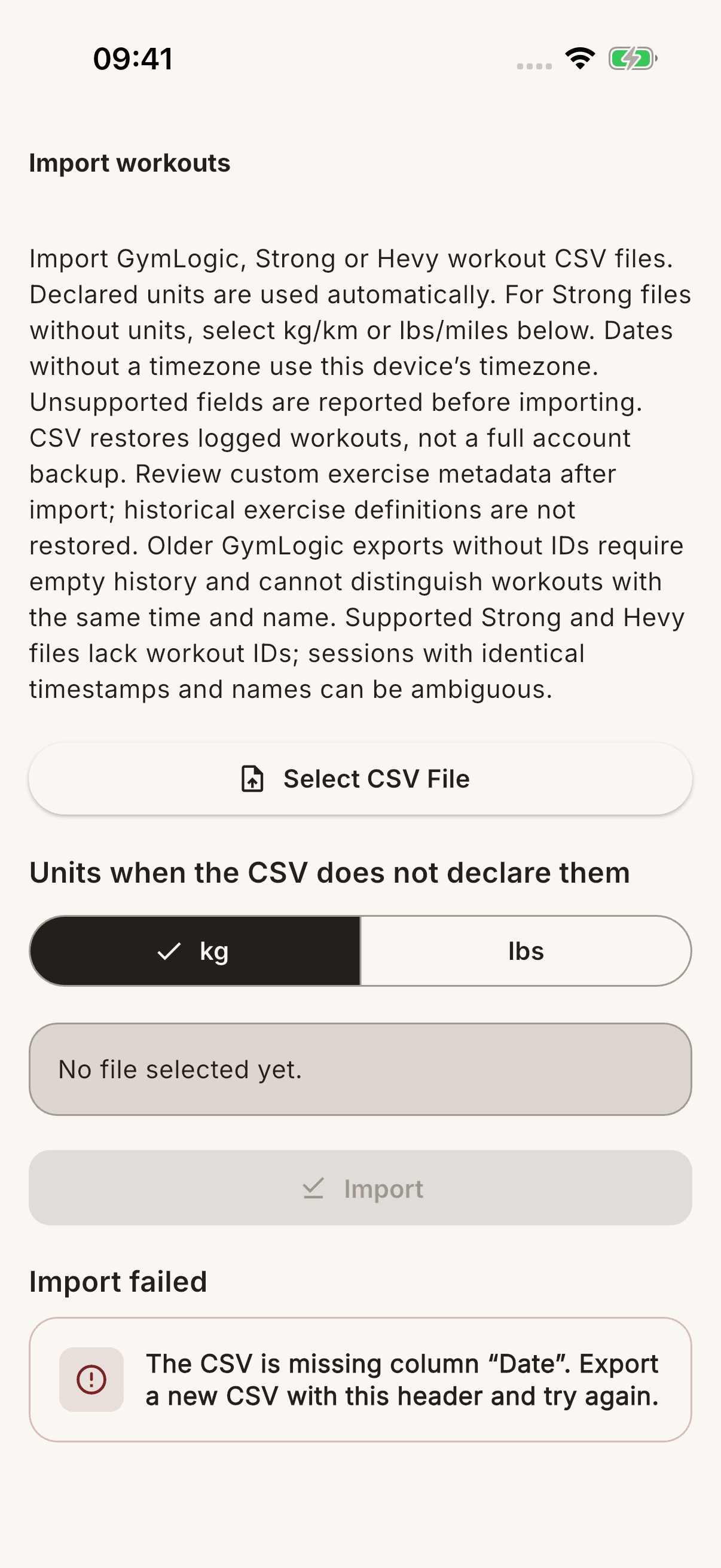
If the preview looks wrong
Compare Weight unit in CSV with the units in the file. Review the date range and record counts; if they differ from your expectations, check the file before starting the import. A .csv extension alone does not mean the content is supported.
If fewer records were added
Check Skipped workouts on the results screen. Records previously imported from the same Strong source may be skipped; do not explain all missing records only by matching dates or names. The Custom exercises created count also helps explain the matching result.
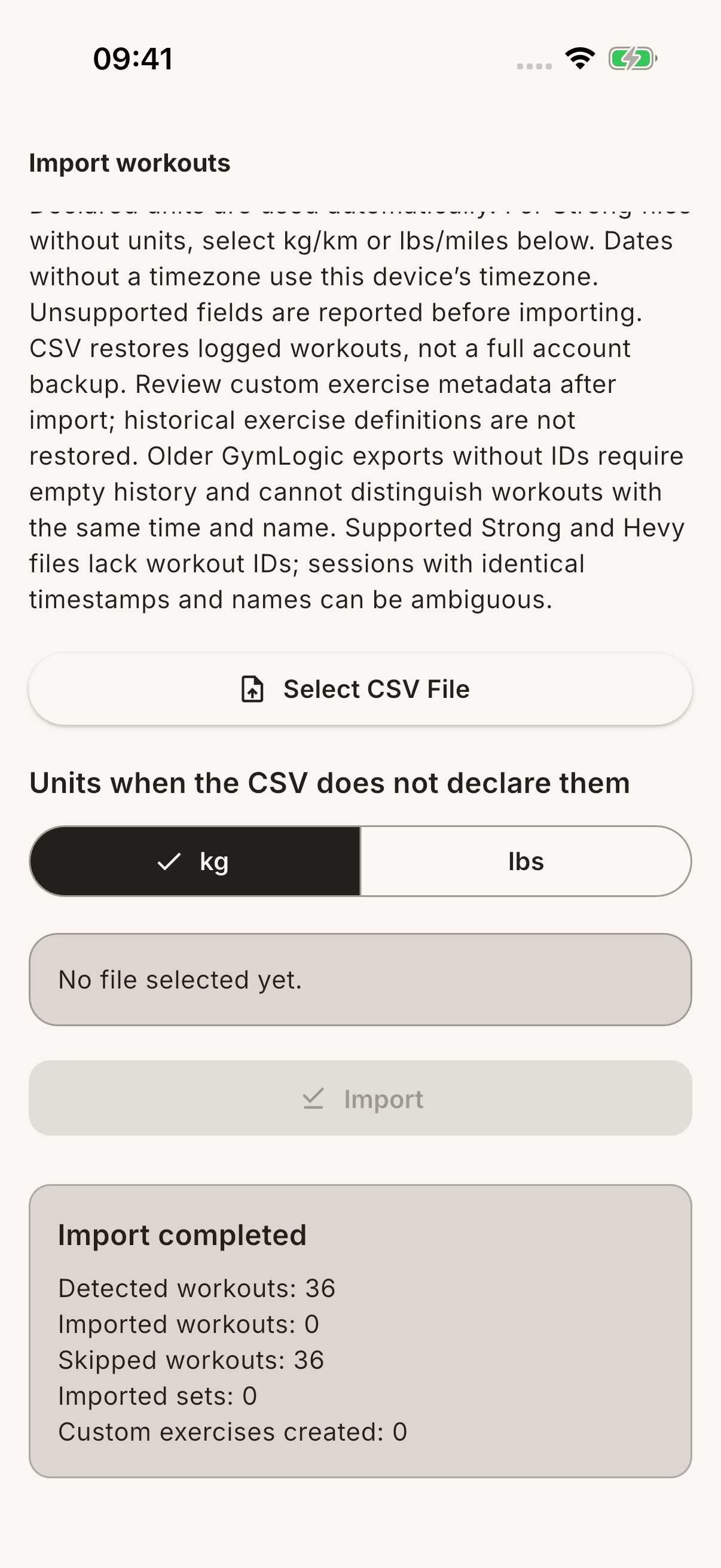
If the process reports an error
Note the error text and the step where it occurred. Check history before retrying; do not automatically interpret an unseen result as either “no data was added” or “everything was imported”.
Include the app version, file size, and result counts in a support request. Do not casually share the complete CSV containing your personal workout history or your account information.